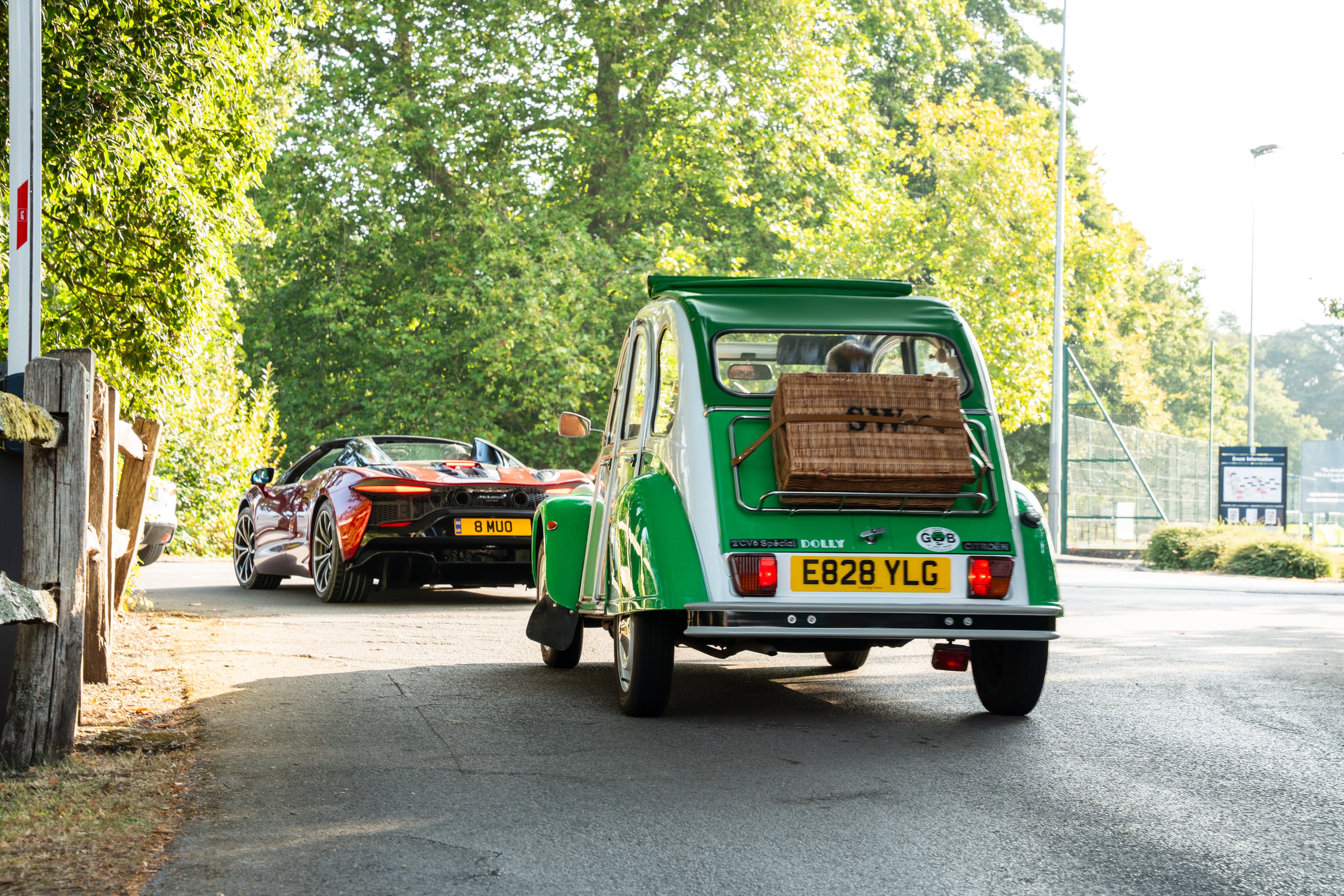
Step-by-Step Vehicle Registration Guide
If you’d like to display your vehicle at Canford Classic & Supercar Sunday, this guide explains exactly how the application process works.
Unlike open public shows, Canford Classic is a curated automotive event, meaning all display vehicles must be approved before booking is confirmed. This is what makes Aperta unique, learn more about us.
This ensures:
A balanced mix of classics, supercars, hypercars, track builds & rally icons
No over-saturation of one model or marque
High presentation standards
The best possible experience for owners and visitors
If you're searching for:
“Canford Classic car registration”
“Apply to display supercar Dorset”
“How to enter Canford car show”
“Canford vehicle sign up 2026”
You’re in the right place.
How the Canford Vehicle Application Process Works
The process is simple — but it is structured.
Here’s exactly what to expect.
Step 1: Create Your Account
Before submitting an application, you’ll need to:
Register an account on our platform
Confirm your email address
Complete your basic profile details
This allows you to:
Manage multiple vehicles
Track applications
Receive decision notifications
Complete bookings once approved
✔ You only need to create your account once.
Step 2: Add Your Vehicle(s)
Once logged in, you can add your car details, including:
Make & model
Year
Specification
Registration (if required)
High-quality photographs
Strong images significantly improve approval chances.
We recommend:
Front 3/4 angle
Rear 3/4 angle
Side profile
Clean background
Good lighting
Applications without clear imagery may be delayed.
Step 3: Submit a New Application
After your vehicle is saved, you can:
Select the relevant event (Canford Classic 2026)
Choose the appropriate display category
Classic
Super
Hyper
Track
Rally
Submit your application
Each car must have its own application.
If you are applying with multiple vehicles, each will be reviewed individually.
Step 4: Await Review & Decision
All vehicles are reviewed by the curation team.
You may receive one of three outcomes:
✅ Accepted
⏳ Waitlisted
❌ Not selected
If waitlisted, this means:
The category may be nearing capacity
Similar vehicles may already be confirmed
We are balancing display diversity
Waitlisted vehicles may still be offered spaces as availability changes.
Step 5: Complete Your Booking
If accepted, you’ll receive:
A confirmation email
A secure booking link
Payment instructions
Your space is only secured once booking is completed.
Vehicle passes include:
Entry for 1 vehicle
Driver + 1 passenger
Complimentary breakfast rolls & hot drinks for two
Additional passengers can be added during checkout.
Why Is There an Application Process?
Canford Classic is not a first-come, first-served public meet.
The curated model ensures:
Higher presentation quality
Better photography opportunities
Stronger sponsor alignment
Improved visitor flow
An elevated owner experience
This format is increasingly common across premium UK automotive events in 2026.
Application Tips for Higher Approval Chances
To improve your likelihood of acceptance:
✔ Apply early
✔ Upload clear, high-resolution images
✔ Provide accurate vehicle details
✔ Select the correct category
✔ Avoid duplicate submissions
Vehicles with rare specifications, strong provenance, or unique stories are particularly encouraged.
Frequently Asked Questions
Can I apply with more than one car?
Yes. Each vehicle must first be added to your garage individually.
Once saved, you can create a new application and select one or multiple vehicles you wish to attend with. Each vehicle will be reviewed separately.
When will I receive a response?
Applications are reviewed on a rolling basis.
Most applicants receive a decision within a few weeks, although response times may vary during peak periods.
What happens if I’m waitlisted?
If your vehicle is placed on the waitlist, it means the category may be nearing capacity or we are balancing display diversity.
Should a space become available, you will be contacted directly with the opportunity to confirm your booking.
Can I edit my vehicle after submitting?
Yes. You can log into your account at any time to update vehicle details or images.
We recommend ensuring all information and photography are accurate and up to date before submitting your application.
Ready to Apply?
Create your account and begin your application today.
Spaces are limited across all categories, and display capacity is carefully managed.